


How to Keep Your E-Commerce Website Secure: Protecting Customer Data
Your online store handles the most sensitive information your customers have: their names, addresses, phone numbers, and payment details. If that data is compromised, you do not just lose customers. You lose their trust, your reputation, and potentially face legal consequences. E-commerce website security is not a technical afterthought. It is a business priority.
The good news is that securing your online store does not require a cybersecurity degree. It requires awareness, the right tools, and a development partner who takes security seriously from the start.
In this article, we will cover the most important security measures every e-commerce website needs, common threats to watch for, and practical steps you can take to protect your store and your customers.
Essential Security Measures for Online Stores
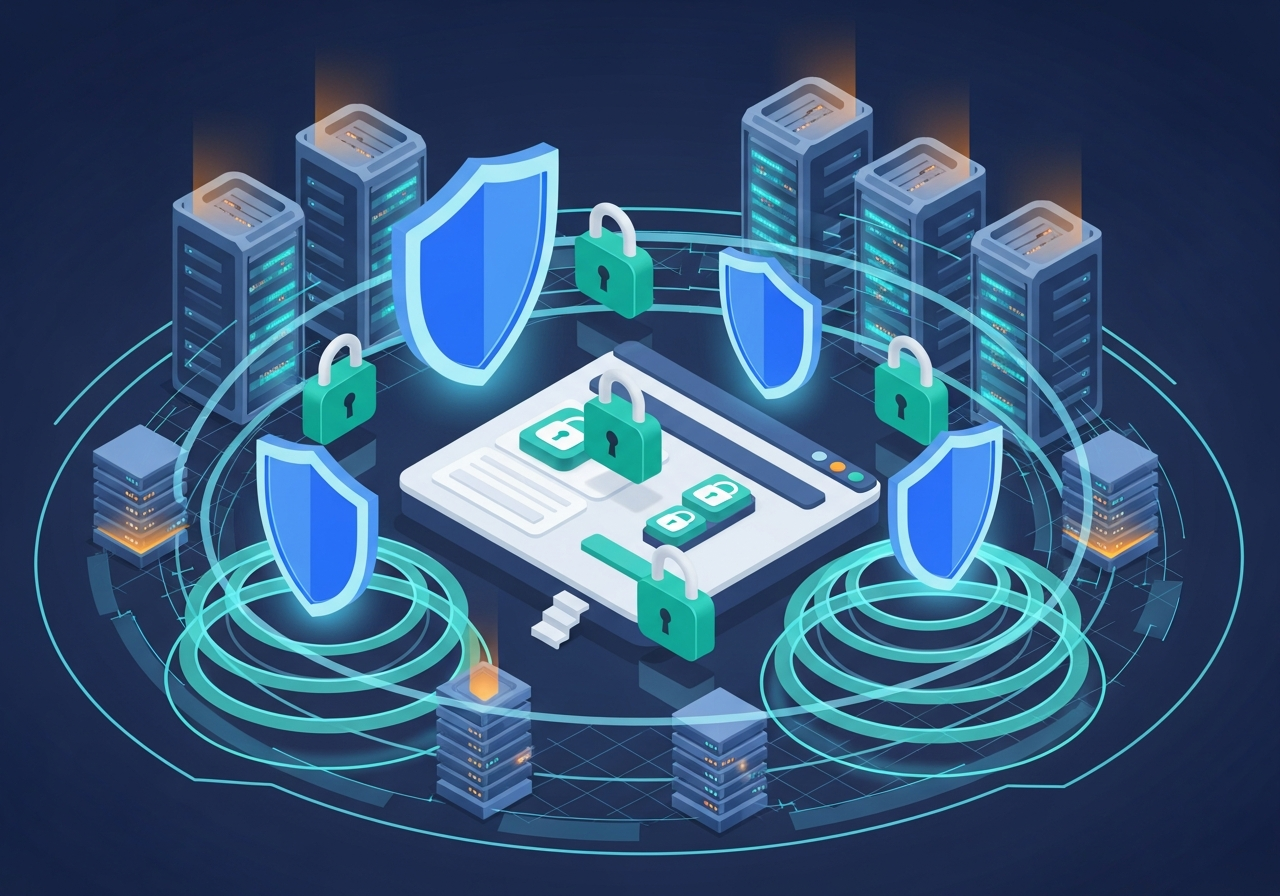
SSL Certificate
An SSL (Secure Sockets Layer) certificate encrypts data transmitted between your customer’s browser and your server. It is what puts the padlock icon in the browser address bar and changes your URL from http to https.
Every e-commerce website must have an SSL certificate. Without one, browsers will warn visitors that your site is “not secure,” and most customers will leave immediately. Google also considers SSL a ranking factor, so it affects your e-commerce SEO as well.
PCI DSS Compliance
If your store accepts credit card payments, you need to comply with the Payment Card Industry Data Security Standard (PCI DSS). This set of security standards ensures that payment data is handled safely.
Most modern payment gateways handle PCI compliance for you by processing card data on their servers rather than yours. This is called tokenization, and it significantly reduces your security burden. Just make sure your gateway is PCI compliant and that you never store raw credit card numbers on your own servers.
Strong Authentication
Use strong passwords for all admin accounts and enforce multi-factor authentication (MFA) wherever possible. A weak admin password is one of the easiest entry points for attackers. Change default passwords, use unique credentials for every account, and consider using a password manager.
Regular Software Updates
Outdated software is one of the most common vulnerabilities in e-commerce. Whether you use WooCommerce, Shopify, or a custom platform, keep everything updated. This includes your CMS, plugins, themes, server software, and any third-party libraries.
Set up automatic updates where possible, and schedule regular manual checks for anything that does not update automatically.
Common Threats to E-Commerce Websites
- Phishing attacks: Attackers impersonate your brand to trick customers into entering their login or payment details on a fake site.
- SQL injection: Malicious code entered through forms or URLs can access your database if inputs are not properly sanitized.
- Cross-site scripting (XSS): Attackers inject malicious scripts into your web pages that execute in visitors’ browsers.
- Brute force attacks: Automated tools try thousands of password combinations to gain access to admin accounts.
- DDoS attacks: Flooding your server with traffic to take your store offline, often timed around peak sales periods.
Our article on building secure custom applications covers secure development practices in more detail.
Protecting Customer Data
Oman’s Personal Data Protection Law (PDPL) requires businesses to protect customer data and be transparent about how it is used. This means having a clear privacy policy, obtaining consent for data collection, and implementing proper security measures.
Store only the data you actually need. Do not collect information that is not essential to the transaction. And make sure any data you do store is encrypted both in transit and at rest.
Monitoring and Incident Response
Security is not a one-time setup. It is an ongoing process. Monitor your website for suspicious activity, set up alerts for failed login attempts, and regularly review access logs.
Have a plan for what to do if a breach occurs. Know who to contact, how to isolate the affected systems, and how to communicate with affected customers. Being prepared reduces the damage and demonstrates professionalism in a crisis.
Regular security audits, ideally performed by your development partner, catch vulnerabilities before attackers do. This should be part of your ongoing website maintenance routine.
Choosing Secure Hosting
Your hosting provider plays a significant role in your store’s security. Choose a provider that offers built-in firewalls, DDoS protection, automatic backups, and 24/7 monitoring. Managed hosting providers handle much of the security work for you, which is especially valuable if you do not have a dedicated IT team.
Building a Security-First Culture
Security is not just a technical issue. It is a team issue. Make sure everyone who has access to your store’s admin panel understands basic security practices: strong passwords, recognizing phishing emails, not sharing login credentials, and reporting suspicious activity.
Train your team on what to do if something goes wrong. A quick, informed response to a security incident can mean the difference between a minor hiccup and a major breach. When security is part of your company culture rather than just an IT checklist, your entire business is more resilient. Avoiding common e-commerce mistakes around security protects both your revenue and your reputation.
Masirat Technology builds e-commerce stores with security at the foundation, not as an afterthought. From encrypted payment processing to regular security audits, our web development team ensures your store and your customers are protected. As a software development company in Oman, we bring the same security-first approach to mobile apps, SEO services, and Pharmasolo pharmacy software.


