

Do Small Businesses Really Need Full Accounting Software?
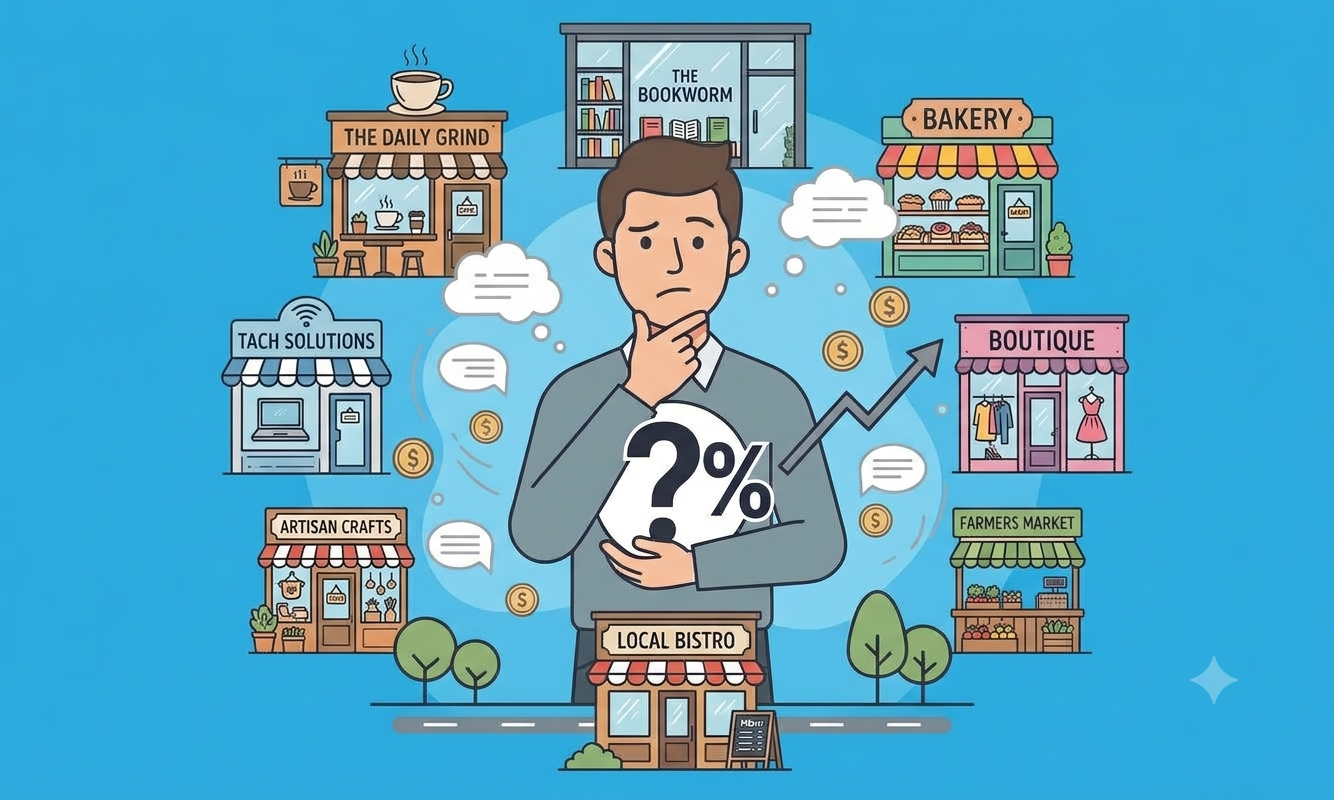
Here’s a pattern we see all the time. A shop owner decides it’s time to get proper small business accounting software. They sit through a demo, see forty modules, and sign up for the “complete” package because it feels safer. Three months later, they’re using exactly four screens: billing, stock, expenses and one report.
The rest sits there, and they’re still paying for it.
So do small businesses really need full accounting software? Usually, no. But sometimes yes, and the difference matters. This guide helps you work out which side of that line you’re on, so you don’t overpay for software you won’t use or outgrow a tool that’s too thin.
Why Small Businesses Overcomplicate Accounting
Most small business accounting software is designed around the biggest customers. Features get added for companies with finance teams, then the same product gets sold to a shop with three staff. Three things go wrong.
Features nobody opens. Multi-branch consolidation, complex approval chains, fixed asset registers. They sound impressive in a demo and do nothing for a single counter.
Interfaces that need a training course. If your cashier needs a week to raise an invoice, the software is slowing the business down instead of speeding it up. Busy staff work around tools they don’t understand, and that’s where errors creep in.
Costs that don’t match the business. You pay for modules, user limits and add-ons you’ll never touch. For a small business, every unused feature is margin you’re giving away.
The result is a common mistake: buying for the business you might become in five years instead of the one you run today.
What Small Businesses Actually Need
Strip away the feature lists and most small businesses need four things done well.
1. Billing. Fast invoices for products and services, a way to handle returns, and the ability to park a sale and come back to it when the queue builds up.
2. Expense tracking. Every cost logged where you can see it, so profit isn’t a guess.
3. Outstanding payment monitoring. Who owes you money, and who you owe. Unpaid invoices and unpaid supplier bills are where cash flow quietly goes wrong.
4. Basic financial reports. Daily sales, stock levels, VAT summaries and a profit and loss view. Not forty reports, just the ones you check weekly.
Add proper stock tracking if you sell products, and that’s about it. If your small business accounting software does these well, it’s genuinely enough for a lot of businesses.
When Basic Accounting Software Is Enough
Basic accounting software is the right call when your operations are simple and likely to stay that way for a while. You’re probably in this group if:
- You run one location
- Your team is small, and only a few people need to log in
- Your day is mostly selling, buying stock and paying bills
- You don’t need bank reconciliation or journal-level accounting inside the software, because your accountant handles that side
- You want VAT and profit numbers without building them in a spreadsheet
- You’re a startup or new shop that needs clean records from day one without a big setup
For these businesses, a simpler tool isn’t a compromise. It’s the better fit. Staff learn it faster, you pay less, and the numbers you need are easier to find.
When a Business Needs Full Accounting Software
Basic software has a ceiling, and it’s worth knowing where it is. Full accounting software starts to make sense when:
- You have multiple branches and need stock transfers and one view across locations
- Your workflows are complex, with sales orders, delivery notes, quotes, credit notes and approval steps
- You need accounting inside the system, such as automated journal entries, a general ledger, trial balance and balance sheet
- You reconcile bank statements regularly and want the software to flag mismatches
- Reporting needs are advanced, because lenders, investors or auditors ask for full financial statements
- The business is growing fast, and workarounds are starting to cost more than the software would
If three or more of those sound like your week, a basic tool will start to hold you back.
Basic vs Full Accounting Software: A Practical Comparison
| Basic accounting software | Full accounting software | |
|---|---|---|
| Best for | Small shops, startups, single-location businesses | Growing, multi-branch or complex businesses |
| Billing and returns | Yes | Yes |
| Inventory and purchases | Core functions | Full cycle plus transfers |
| Expense tracking | Yes | Yes |
| Outstanding payments | Yes | Yes |
| VAT and sales reports | Yes | Yes |
| Full accounting (ledger, trial balance, balance sheet) | Usually not | Yes |
| Bank reconciliation | Usually not | Yes |
| Multi-branch support | No | Yes |
| Learning curve | Short | Longer |
| Cost | Lower | Higher |
The point isn’t that one column wins. It’s that most of the cost difference sits in the bottom rows, and a lot of small businesses never use those rows.
How to Choose the Right Small Business Accounting Software
Four questions settle most decisions.
1. How big are you today? Count locations and the people who will log in. One counter and a few staff points to basic. Several branches points to full.
2. How complicated is your day? If it’s billing, stock and bills, keep it simple. If you’re juggling quotes, orders, approvals and reconciliations, you need more.
3. What’s your budget? Be honest about what you’ll use. Paying for features you don’t need is the most common way small businesses overspend on software.
4. Where will you be in two years? This is where people overcorrect. You don’t need to buy for the future, but you should check there’s a path up. Ask whether you can move to a fuller system later without losing your customer, supplier and product records.
If you want a wider look at what to check when comparing vendors in Oman, our guide to accounting software for SMEs in Oman covers features, VAT and common mistakes in more depth. And for the full buying checklist, from key features to e-invoicing readiness and why local support matters, read our pillar guide on how to choose the right accounting software for your business in Oman.
Where ManageDesks Lite Fits
ManageDesks Lite is built for the businesses in the first group: small shops, restaurants, supermarkets and startups that need the essentials done properly and nothing more.
It covers what we listed earlier:
- Billing for products and services, with returns and hold orders
- Purchases, including LPO, GRN, vouchers, GRN returns and debit notes
- Inventory with import and export, plus expiry and low-stock reports
- Expense tracking and payments against unpaid invoices and purchases
- Customer, supplier and salesman records
- VAT and profit reports, including Sales VAT, Purchase VAT, VAT Summary, Net Sales Profit, Item-Wise Profit and Profit & Loss
What it deliberately leaves out is the full accounting module, bank reconciliation and multi-branch features. That’s the point. You’re not paying for tools you don’t use.
And if your business grows into those needs, the full ManageDesks platform is the next step, built by the same Muscat-based team.
See the full ManageDesks Lite feature list
Conclusion
Small business accounting software should match the business you run now, with a clear path to the one you’re building. For most small shops and startups, that means basic accounting software that bills fast, tracks stock and shows your numbers without the extra weight.
The best small business accounting software is the one your team actually uses. Start simple, and upgrade when the business needs it, not when a demo makes you nervous.
Running a small shop or starting something new? Take a look at ManageDesks Lite or talk to our team and we’ll help you pick the right fit.


