

How to Write a Software Requirements Document (Simple Guide)
A software requirements document is one of the most important things you can create before starting a development project. It is basically a written agreement between you and your development team about what the software should do, who it is for, and how it should work.
Without one, projects tend to drift. Features get added that nobody asked for, important requirements get overlooked, and timelines stretch far beyond what anyone expected. A good requirements document keeps everyone aligned and gives the project a clear direction from the start.
In this guide, we will show you how to write a simple, effective software requirements document even if you have never written one before. And if you are new to the development process in general, our overview of the software development process from idea to launch is a helpful starting point.
What a Software Requirements Document Actually Is
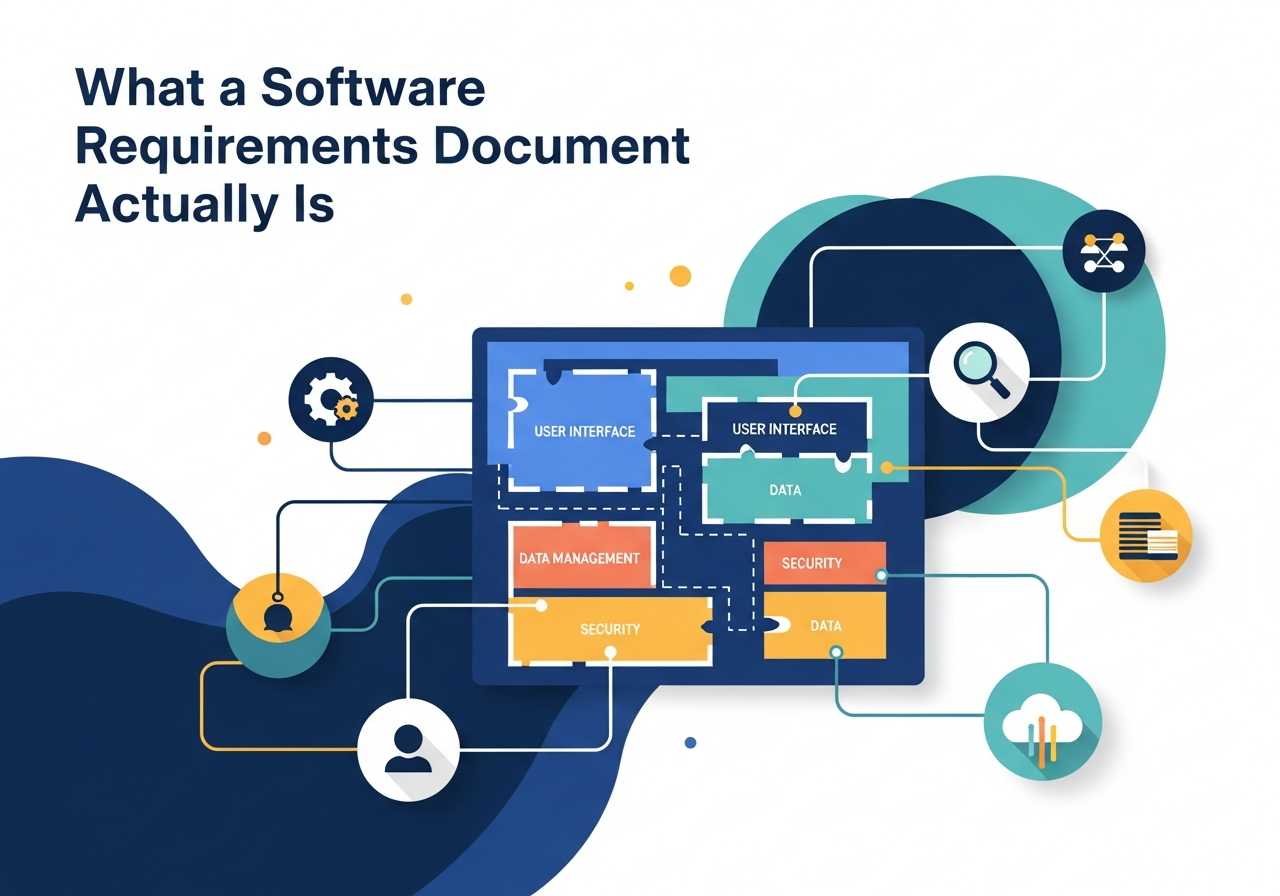
A software requirements document (sometimes called an SRS, short for Software Requirements Specification) is a structured document that describes what a piece of software needs to do. It covers the features, the functionality, the user experience, and any technical or business constraints.
It is not a technical blueprint. You do not need to write code or understand databases to create one. Think of it as a detailed wish list that communicates your vision clearly enough for a development team to turn it into reality.
The key is clarity. Every requirement should be specific, measurable, and understandable to both technical and non-technical people. Vague requirements like “the system should be fast” cause confusion. Specific ones like “the dashboard should load in under three seconds” give the team something concrete to build toward.
Key Sections to Include
You do not need to follow a rigid template, but a good requirements document typically includes these sections.
Project Overview
Start with a high-level summary of the project. What is the software for? What problem does it solve? Who are the primary users? This section sets the context for everything that follows. Keep it brief, two or three paragraphs at most.
User Roles and Personas
Define who will be using the software and what each type of user needs to do. For example, an e-commerce platform might have customers, store managers, and administrators, each with different access levels and capabilities.
Functional Requirements
This is the core of the document. List every feature and function the software needs to have. Be as specific as possible.
- User registration and login: What information is required? Is social login needed?
- Dashboard: What data should it display? Who can see what?
- Reporting: What reports are needed? Can they be exported?
- Notifications: What triggers them? Email, SMS, or in-app?
- Integrations: Does the software need to connect with payment gateways, CRMs, or other tools?
Non-Functional Requirements
These cover how the software should perform rather than what it should do. This includes things like speed, security, scalability, and compatibility. For example, the software might need to support 500 simultaneous users, work on both desktop and mobile, or comply with specific data protection regulations.
Assumptions and Constraints
Document anything that might affect the project. This could include budget limits, technology preferences, third-party dependencies, or regulatory requirements. Being upfront about constraints helps the development team plan accordingly.
Common Mistakes to Avoid
The biggest mistake is being too vague. Statements like “the system should be user-friendly” are not helpful because everyone has a different idea of what that means. Instead, describe specific behaviors: “users should be able to complete the checkout process in three steps or fewer.”
Another common mistake is trying to include everything at once. If your requirements document tries to cover every possible feature, it becomes overwhelming and hard to prioritize. Start with the essentials and plan to add more features in later phases. This is actually the core idea behind building an MVP, or minimum viable product.
Also avoid writing in technical jargon unless your audience is technical. The requirements document should be readable by everyone involved in the project, including stakeholders who are not developers.
Tips for Writing Better Requirements
Use simple, direct language. Each requirement should describe one thing clearly. If a sentence covers multiple features, break it into separate requirements.
Prioritize your requirements using categories like “must have,” “should have,” and “nice to have.” This helps the development team understand what to build first and what can wait for future updates.
Get input from the people who will actually use the software. Sitting down with future users and watching how they currently do their work often reveals requirements you would not have thought of on your own.
Finally, treat the document as a living reference, not a one-time artifact. As the project progresses, requirements may change or new ones may emerge. Keep the document updated so it always reflects the current plan. Understanding how costs work in custom software development can also help you prioritize requirements within your budget.
What Happens After the Requirements Are Done
Once your requirements document is ready, the development team uses it to estimate timelines, plan sprints, and begin the design phase. A clear, well-organized document makes this process much faster and smoother.
It also becomes the reference point for the entire project. When a question comes up about whether a feature should work a certain way, the team goes back to the requirements document for the answer. This prevents scope creep and keeps everyone focused on what was agreed upon.
If you are choosing a software development company in Oman, ask them how they handle requirements gathering. A company that takes this step seriously is one that values planning and communication, which are two of the most important qualities in a development partner.
Let Masirat Help You Build What Is Next
Masirat helps businesses in Oman grow with the right mix of technology and strategy. We are a trusted SEO Expert in Oman, focused on building strong and sustainable online campaigns. As a leading software development company in Oman, we design and develop custom websites, mobile apps, and scalable digital solutions. Through Pharmasolo, our pharmacy management software in Oman, we also support healthcare businesses with smarter, more efficient operations. Partner with Masirat for reliable App & Web development in Oman backed by real experience.


1 Comment
API Integration: How to Connect Your Business Software and Tools - Masirat Technology
March 30, 2026[…] application from the start is the most efficient approach. This is something to discuss during the requirements gathering phase of your […]